Phone battery: How long it really lasts
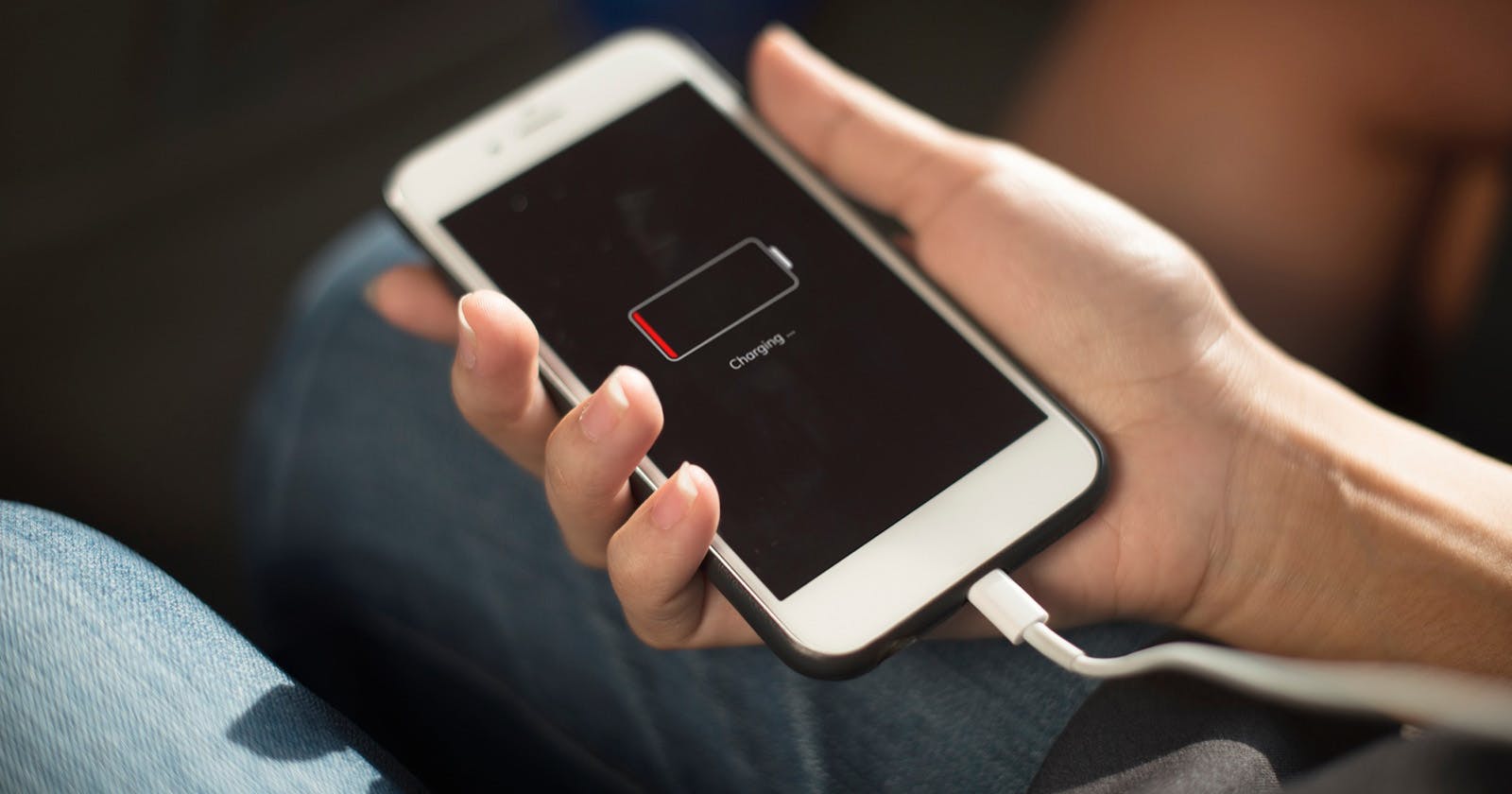
How long does a phone battery really last, and from when is it considered worn out? Often you only notice after 2 or 3 years that your smartphone suddenly needs to be plugged in already in the afternoon, even though it easily made it through a full day at the beginning. The key is to distinguish between battery life per charge and overall phone battery lifespan over several years. Modern smartphones almost always use lithium-ion batteries. They are powerful and compact, but they wear out with every charging cycle and with every exposure to heat. In this article, you’ll learn how long a phone battery lasts on average, what influences phone battery lifespan, how long a Samsung phone battery typically holds up, and what you can do to extend battery lifespan.
03.12.2025 | Reading time: 10 minutes
Understanding battery life and lifespan
When you ask how long a phone’s battery lasts, you might actually be referring to two different things. Battery life describes how long your smartphone lasts on a single full charge. Depending on how you use it, this can vary a lot. Typical power-hungry activities include:
- very bright display settings
- games with demanding graphics
- hours of video streaming
- navigation with GPS and mobile data
- 5G usage in areas with poor reception
Battery lifespan is something different. It describes how many years your battery remains practically usable in everyday life. A new battery has 100 percent capacity. After a few hundred charging cycles, the maximum achievable capacity might only be 80 or 70 percent. That means you must charge more often, even though you use your phone the same way as before.
How long does a phone battery last in everyday use?
Right after purchase, a current smartphone will usually last a full day or longer with normal use. Many models manage one and a half days with moderate use, some even two days. If you use your phone very heavily, you may need to charge again already in the early evening. Over the years, this changes. Each charge is a small step in the aging process. After two to three years, you’ll often notice that your phone no longer lasts until evening, even though you haven’t changed anything in particular. That’s a sign that the overall phone battery lifespan has already been significantly used up.
As a rough rule of thumb:
- In the first one to two years, the difference in everyday life is usually small.
- From the third year on, the runtime per charge decreases noticeably.
- By the 4th year at the latest, a battery replacement or new device becomes interesting if you’re on the go a lot.
How many years does a phone battery last?
The lifespan of a battery in years depends heavily on your usage habits. Still, there are typical ranges. With very intensive use, where you put your phone under heavy load every day, run through many full cycles, and the device often gets warm, the phone battery lifespan can reach its limits already after two to three years. You’ll notice the percentage dropping faster than before and that you can barely get through the day without a power bank. With normal, mixed use, three to 4 years are realistic in which the battery still does its job properly. The runtime gets a bit shorter, but stays manageable if you apply a few energy-saving tricks. If you’re very mindful of your battery, don’t constantly run it at the limit, and pay attention to temperature, 4 to 5 years are possible before a replacement really makes sense. However, you cannot avoid aging entirely, even with perfect care.
How long does a Samsung phone battery last?
The question how long does a Samsung phone battery last compared with other brands comes up often. In practice, the brand is less important than how you treat the device. Samsung also uses lithium-ion batteries, which behave similarly from a physics standpoint to other manufacturers.
You can roughly expect the following scenarios:
- With intensive use and frequent fast charging, wear becomes clearly noticeable after around two years.
- With normal use, a Samsung smartphone battery will typically hold up well for three to 4 years.
- With very careful use, reduced energy consumption, and good cooling, 4 to 5 years are possible before the shorter runtime really becomes annoying.
Whether it’s a Samsung model or another device matters less than questions like:
- How often do you need to charge per day?
- Does the phone get very warm while charging or gaming?
- Do you regularly use 5G, maximum brightness, and navigation?
The more often your phone is pushed to its limits, the shorter the lifespan of your Samsung phone battery – or any other smartphone battery.
What does phone battery lifespan depend on?
Whether a battery feels tired after two years or only after 4 depends on several factors. The most important are:
- Charging cycles
Every battery has a certain number of useful full cycles. One full cycle is the sum of a 100 percent discharge and recharge, for example twice from 50 to 100 percent. The more cycles you use up, the more the capacity declines. - Temperature
Heat is the biggest enemy of phone battery lifespan. A smartphone that regularly lies in a hot car or gets very warm while fast charging ages significantly faster. Very intense, long gaming sessions can also generate a lot of heat. - Charging behavior
Lithium-ion batteries don’t like extreme conditions. Constantly discharging almost to 0 percent and then charging up to 100 percent stresses them more than staying in moderate mid ranges. Ideally, your battery level is often between about 20 and 80 percent. - Usage and settings
A bright display, 5G, continuous GPS, and many active background services increase consumption. That means you need more charging cycles, and the phone battery lifespan shortens accordingly. If you use your phone more efficiently, you automatically protect the battery.
Signs of an aging battery
You can often spot an aging battery without any measurement tools, just based on your daily experience. Typical warning signs include:
- Your phone can no longer get through a full day even with normal use.
- The battery percentage drops in large jumps, for example from 40 to 15 percent.
- The smartphone suddenly turns off even though the indicator still showed remaining capacity.
- The device becomes unusually warm when charging or even with light tasks.
If you notice several of these symptoms at once, its phone battery lifespan is probably already heavily reduced. At this stage, it’s worth considering a battery replacement or new device, especially if you rely on your phone for work.
How can I extend battery lifespan?
You can’t stop chemical aging, but you can slow it down significantly. If you want to extend your battery’s lifespan, a few simple everyday habits will help.
Charging gently
- Avoid constantly charging from almost empty to 100 percent, if possible.
- Keep the battery level around 20 to 80 percent whenever you can.
- Don’t cover the device while charging so heat doesn’t build up.
- Use fast charging when you need it, but not as your standard overnight solution.
Many modern smartphones offer features like optimized charging or scheduled charging. These are designed specifically to improve phone battery lifespan.
Controlling temperature
You can’t always avoid heat, but you can reduce it:
- Don’t leave your phone on the dashboard in the car in summer.
- Don’t place the device directly on a heater or cover it while charging.
- Take breaks during gaming or video streaming if it gets excessively hot.
The cooler the battery stays in everyday life, the slower it ages.
Reducing energy consumption
You don’t have to become an extreme power saver, but a few changes make a big difference:
- Use auto-brightness instead of keeping brightness at maximum.
- Keep 5G turned on only when you really need it.
- Enable GPS and hotspot only when necessary.
- Restrict background activity for apps you rarely use.
If your phone uses less energy per day, you’ll need fewer charging cycles. That noticeably extends phone battery lifespan.
Battery tips for Android smartphones
Android smartphones give you many options in settings to influence battery life. Depending on manufacturer and interface, more services may run in the background than you realize, such as automatic sync functions, location services, or constant notifications. If you adjust Android battery settings deliberately, you can significantly extend runtime and at the same time protect phone battery lifespan.
Concrete steps like tweaking screen brightness, restricting background activity, and optimizing the power saving mode can be found in our practical Android battery hacks and tips. There, you’ll learn in detail which features consume the most energy and how to configure your Android phone, so it lasts longer in everyday life.
iPhone battery in everyday life
With the iPhone, battery life also strongly depends on how you use your device daily. High display brightness, many push notifications, and constant location requests can cause the battery to drop much faster than expected. With a few targeted tweaks in iPhone energy settings, you can improve runtime and extend battery lifespan without sacrificing comfort.
How to correctly read your battery health, which iOS features consume the most, and which settings truly help in daily use are all explained in our tips for saving your iPhone battery life. This way, you can get more out of your iPhone battery even if your device is already a few years old.
How many years are realistic?
Under everyday conditions, a rough range has become standard for how long a phone battery lasts:
- With intensive use, two to three years are realistic until the battery becomes noticeably weaker.
- With normal use, you can often get through 3 to 4 years just fine.
- With consciously gentle treatment, 4 to 5 years are also possible.
Beyond a certain point, it’s normal to accept minor compromises. Maybe you activate power saving mode earlier, lower the brightness, or carry a power bank. When this becomes a daily routine, you’ve reached the point where a fresh battery or new phone can make everyday life much more pleasant.
When is a battery replacement worth it?
A battery replacement is especially worthwhile when:
- your smartphone is still technically good and regularly receives updates
- you’re satisfied with the camera, display, and performance
- only the battery life has become a problem
In such cases, a new battery can extend your device’s life by years. The phone battery is replaced, while the rest of the hardware stays. Especially with expensive models, this is often the more cost-effective solution.
A replacement makes less sense if:
- the device is very old and no longer receives security updates
- the phone has generally become slow
- several other defects already exist
In that case, a new smartphone is usually the better investment – and you also start from zero again with the battery.
FAQ on phone battery lifespan
How long does a phone battery last with good care?
If you pay attention to temperature, charging behavior, and settings, a phone battery can remain usable in everyday life for 4 to 5 years. However, you can’t completely avoid capacity loss, even with the best care.
Is charging overnight harmful?
Modern devices have protective mechanisms against overcharging. Charging overnight is therefore not fundamentally harmful. For overall battery lifespan, however, it’s better if the battery does not remain at 100 percent for many hours. Optimized charging features, which finish charging shortly before you wake up, are ideal here.
Should I fully discharge the battery regularly?
No. Lithium-ion batteries do not need complete discharge cycles and are actually stressed more by frequent discharges close to zero. A medium charge level is healthier long term if you want to extend battery lifespan.
Is fast charging bad for lifespan?
Fast charging generates more heat than normal charging. In everyday life, you can use fast charging without hesitation, but you shouldn’t necessarily use it for every single charge. When time isn’t critical, slower charging is slightly gentler on phone battery lifespan.