Phone overheating: Reasons and solutions
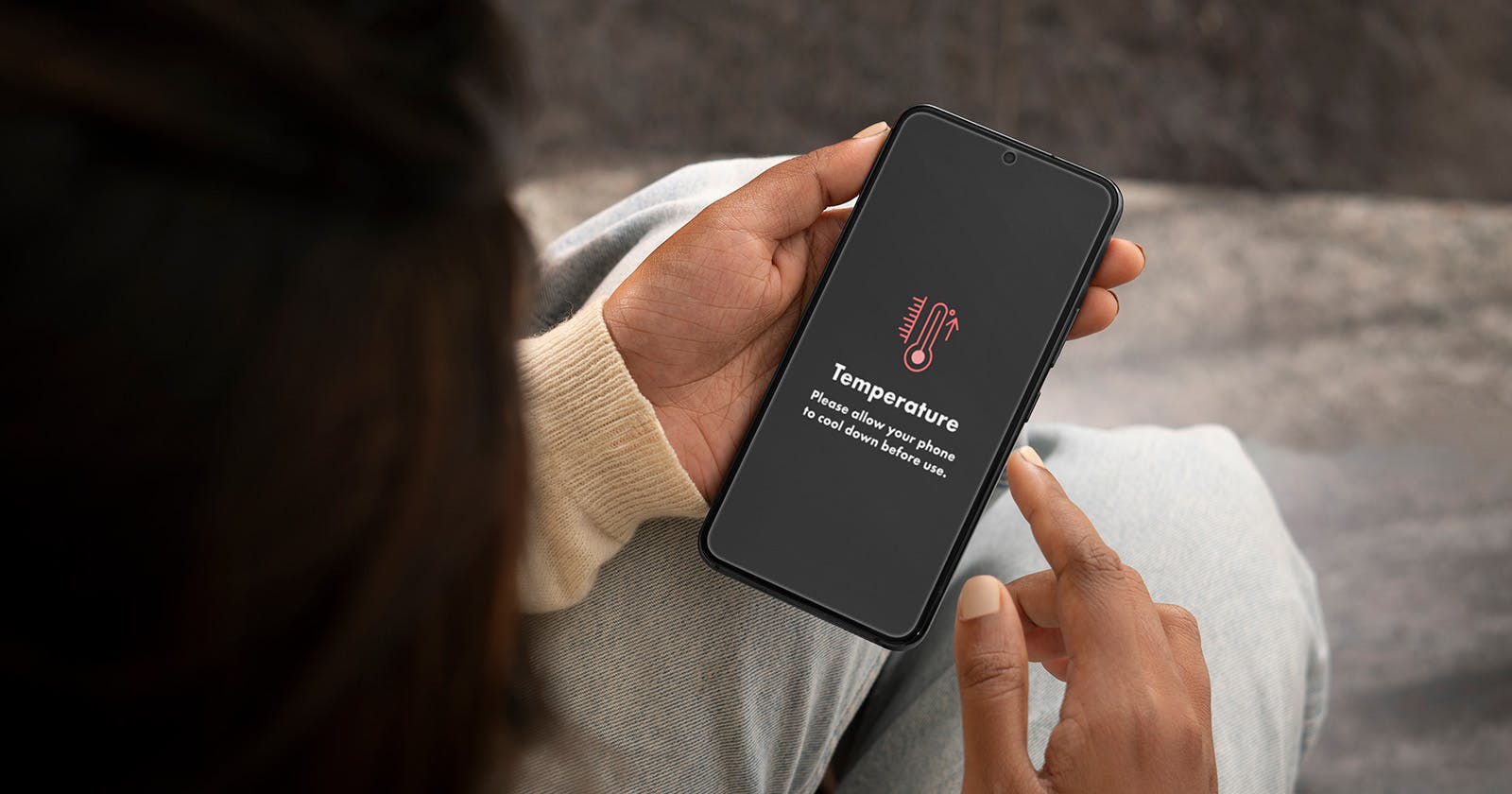
An overheated phone is a common issue, especially on warm days or during intensive use. If your phone gets hot while charging, gaming or making calls, you’ll quickly notice that something isn’t right. Excessive temperatures can not only shorten battery life but, in the worst case, also cause hardware damage.
The good news: in most cases, you can easily prevent or fix overheating.
12.11.2025 | Reading time: 8 minutes
First steps when your phone gets hot
If your phone suddenly becomes hot or even very hot, you need to act quickly. Here’s how to avoid further damage:
- Stop using it immediately: close apps, games or video recordings and put the device aside for a moment.
- Unplug the charging cable: if your phone heats up while charging, disconnect it from the power source.
- Remove the case: silicone or leather cases trap heat – without a case, the device can cool down more effectively.
- Place it in a cool spot: avoid direct sunlight or heat sources. A shaded place is perfectly sufficient.
- Restart: a simple restart can stop processes that are unnecessarily stressing the processor.
These simple measures are often enough to bring the device back to a normal temperature. However, if the problem occurs regularly, it’s worth taking a closer look at the causes.
Overheated phone: main reasons
A phone doesn’t get hot by accident – heat always comes from internal processes, energy consumption or external factors. Here are the most common reasons why your phone overheats and drains quickly:
- Resource-intensive apps and games: 3D games, video streaming or photo editing put a heavy load on the processor and graphics chip, causing the temperature to rise.
- Too many background processes: apps that constantly sync, check emails or upload data keep the system under continuous load.
- Faulty software or updates: outdated versions or poorly programmed apps can cause permanent overload.
- Weak signal: when your device is constantly searching for a network, the radio chip works at full power, generating heat.
- Charging in hot conditions or direct sunlight: summer heat or charging under a pillow can cause the device to overheat.
- Non-original charging accessories: cheap or uncertified chargers often deliver too much power – and thus too much heat.
- Old battery: over time, the battery loses efficiency. It charges faster, discharges faster and generates more heat in the process.
My phone gets hot while charging
It’s normal for a phone to warm up slightly while charging. However, if the device becomes uncomfortably hot, you should take action.
What you can do:
- Use the original charger: only chargers from the manufacturer provide the correct voltage.
- Avoid using the phone while charging: gaming, making calls or watching videos put extra strain on the battery and processor.
- Remove the case: this allows heat to escape more easily.
- Place it on a solid surface: avoid pillows, sofas or blankets.
- Disable fast charging: this protects the battery and reduces temperature.
If your phone gets hot while charging and the battery drains quickly, it’s often due to a faulty cable or an ageing battery. In this case, a replacement usually helps.
Phone gets hot during calls
Many people only notice during longer conversations that their phone gets hot while they’re on a call. This is usually due to a combination of signal strength, screen activity and prolonged use.
Why does this happen?
- Poor reception: your smartphone needs more energy to maintain the signal.
- High screen brightness: in bright sunlight, the display often stays at maximum brightness.
- Bluetooth and Wi-Fi active at the same time: multiple wireless connections generate more heat.
- Long call duration: during long calls, the hardware operates continuously under load.
Tip: use headphones or activate the loudspeaker while making calls. This keeps the device away from your skin and allows it to release heat more effectively.
Phone gets hot while gaming
If your phone gets hot while gaming, it’s no coincidence. Games put more strain on the processor and graphics chip than any other application, especially with demanding 3D graphics or long gaming sessions. To lower the temperature, it’s worth reducing the graphic settings and taking short breaks now and then to let the device cool down. The power-saving mode also helps, as it automatically regulates performance and temperature. Play in a cool environment and avoid direct sunlight or thick cases that trap heat. Even if your phone becomes very hot, it’s usually not dangerous as long as you react quickly. Over time, however, the heat can reduce battery life and performance, so regular cooling is important.
Phone overheating: iPhone vs Samsung
Whether it’s an iPhone or a Samsung Galaxy, both devices can overheat — though the causes differ slightly.
- iPhone: iOS detects heat and automatically disables certain functions (such as the flash or brightness). If your iPhone gets hot, it’s a built-in safety mechanism. Avoid direct sunlight and intensive multitasking while charging.
- Samsung and Android: Android devices often have more background processes and app customisations. If your Samsung phone overheats, check which apps are running, close unused ones and deactivate location services when you don’t need them.
Regardless of the model, one thing applies to all: an overheated phone is rarely a coincidence, it’s usually a combination of usage, environment and battery condition.
Phone gets hot and drains quickly: what’s behind it?
If your phone drains quickly and gets hot at the same time, it’s a sign that the battery is under heavy load. Usually, several background processes are running continuously, consuming energy and generating heat. Often, highly active apps such as social media platforms or GPS services are responsible, as they constantly send and receive data. Outdated software or faulty updates can also cause the system to use unnecessary resources.
Another reason could be a constant internet connection via 5G or Wi-Fi, which keeps the device permanently active. As the battery ages, it also becomes less efficient, leading to faster discharge and increased heat generation. To counter this, check in your settings which apps consume the most battery and close or limit them if necessary. Activate power-saving mode, lower screen brightness and disable Bluetooth or other wireless connections when not needed. This not only helps reduce the temperature but also extends your smartphone’s battery life.
Long-term tips to prevent overheating
To keep your phone cool in the future:
- Keep your software up to date: updates often include improvements to energy management.
- Uninstall unnecessary apps: fewer processes mean less heat.
- Check app permissions: prevent apps from constantly loading data in the background.
- Monitor battery health: for older devices, replacing the battery can be worthwhile.
- Clean your device regularly: dust in charging ports or ventilation slots can also trap heat.
A hot phone isn’t a reason to panic, but it is a clear warning sign. In most cases, it’s not a serious malfunction but the result of heavy use, high ambient temperatures or too many active apps. With a few simple measures – such as removing the case, using original accessories, closing unused apps and checking the battery regularly – you can prevent most overheating issues for good.
Whether your phone gets hot while charging, gaming, calling or draining quickly: with a bit of care and attention, your smartphone will stay cool, efficient and long-lasting.
FAQ: more common questions about phone overheating
Can my phone get damaged if it gets too hot?
Yes, prolonged heat can damage your phone. Electronic components are sensitive to high temperatures. If your device regularly becomes very hot, solder joints may loosen, or the battery may age more quickly. It’s particularly critical if the smartphone stays very hot for long periods while charging or gaming.
Does overheating damage the battery?
Absolutely. Heat reduces a battery’s capacity, meaning it discharges faster and can store less energy. When exposed to high temperatures for long periods, the chemical structure inside the battery can change. As a result, not only performance but also the overall lifespan of the battery decreases.
How can I tell if my battery is already damaged?
A clear sign is if your phone drains faster than it used to or gets very hot while charging. A swollen battery or a bulging case are also warning signs. In this case, you should stop using the device and have the battery checked or replaced by a professional.
Can a hot phone explode or catch fire?
This is extremely rare, but it can happen in isolated cases with severely damaged or cheap batteries. If you notice smoke, a burning smell or swelling, switch off the device immediately, disconnect it from the power supply and place it in a safe location. Always use original accessories and avoid extreme heat sources.
How can I cool down my phone properly without damaging it?
Place it on a hard, cool surface and remove the case. However, do not put it in the fridge or freezer, as condensation can form and damage the internal electronics. A shaded, well-ventilated place is ideal.
Is it bad to charge your phone overnight?
Modern smartphones automatically stop charging once the battery is full. However, keeping them plugged in for many hours can lead to a higher average temperature, which over time shortens the battery’s lifespan. It’s better to charge your device during the day or only up to around 80–90%.
Does restarting your phone regularly help?
Yes. A restart closes processes running unnoticed in the background that generate heat.
Why does my phone get hot and drain quickly?
It’s usually due to too many processes running at once, such as during charging, gaming, or when the signal is weak. An old battery can also be a cause.
Restarting regularly can help improve temperature stability, especially on older devices or after software updates.