Google Pay made simple
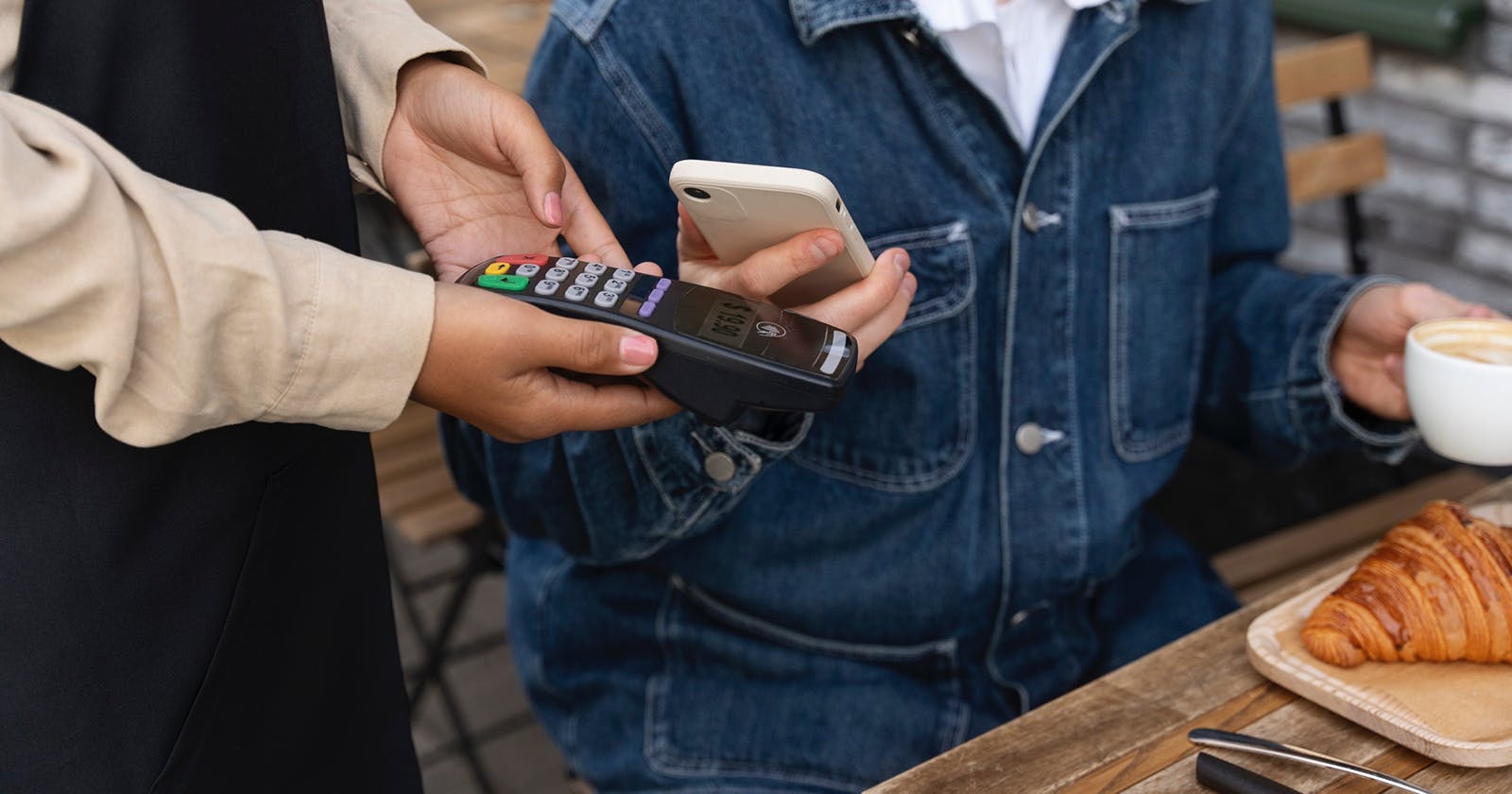
Paying with your smartphone, without a wallet – for many people in Switzerland, that’s already part of everyday life. One of the best-known services for this is Google Pay. But what exactly is Google Pay, how does mobile payment with it work, and what should you watch out for if you want to use the service? Here, we explain step by step what’s behind Google Pay, how to set it up, how secure it is and how Google Pay differs from alternatives such as Samsung Pay. If you also want to understand the technology behind it, it’s worth taking a look at yallo’s articles on NFC and paying with your smartphone.
17.12.2025 | Reading time: 5 minutes
What is Google Pay?
Google Pay is a mobile payment service from Google that lets you pay in shops, in apps and online with your Android smartphone or a compatible smartwatch. Instead of taking your physical card out of your wallet, you simply hold your unlocked device up to the payment terminal and confirm the transaction.
From a technical point of view, Google Pay acts as a kind of digital wallet: you add your debit or credit card to the app once, and then Google Pay uses that card for your payments. You can pay anywhere contactless card payments are accepted – which means almost all modern payment terminals in Switzerland.
How does Google Pay work in everyday life?
Google Pay is based on NFC technology (Near Field Communication). Your smartphone establishes a short-range wireless connection with the payment terminal for a brief moment. During that time, the necessary payment information is transmitted securely.
The process at the checkout is easy: you unlock your phone, hold the back of it close to the terminal and, depending on the amount, confirm the payment with your fingerprint, face recognition or PIN.
From your perspective, it’s hardly any different from a contactless card payment. Many terminals even make the same sound they do when you “tap” with your card. If you’d like more technical background, you’ll find it in yallo’s article on NFC.
Requirements for using Google Pay
To use Google Pay, a few conditions need to be met. In everyday terms, that means:
- you need an Android smartphone (or a compatible smartwatch) with NFC
- a Google account has to be set up on the device
- your bank or card issuer needs to support Google Pay
- you need a stable internet connection for the initial setup
Many current Android smartphones already meet these requirements. To find out whether your card is supported, check your bank’s website or try adding the card directly in the Google Pay app.
Setting up Google Pay – step by step
Setting up Google Pay usually only takes a few minutes. The exact steps may vary slightly depending on your device, but the process is always similar:
- Install or open Google Pay
On many devices, Google Pay (sometimes also called Google Wallet) is pre-installed. If not, you can download the app from the Google Play Store.v - Sign in with your Google account
When you open the app for the first time, sign in with your Google account or select an account that is already linked to the device. - Add a payment method
In the app, tap “Add payment method” and add your debit or credit card. You can enter the card details manually or scan the card with your camera. - Verify your card
For security reasons, your bank or card issuer may require verification, for example via an SMS code or your banking app. - Set Google Pay as your default payment service
In the settings, you can choose Google Pay as the default for contactless payments. Your phone will then automatically use Google Pay when you hold it near a terminal.
Where can you pay with Google Pay?
You can use Google Pay almost anywhere you can pay contactlessly with a card. In Switzerland, that covers a large proportion of checkout terminals – from supermarkets and kiosks to restaurants.
In addition, you can choose Google Pay as a payment option in many apps, for example for tickets, delivery services or streaming subscriptions, and in online shops that offer a “Pay with Google Pay” button.
The advantage: you don’t have to enter your card details again with every single merchant. A tap or quick confirmation is enough, and the payment is processed via Google Pay.
How secure is Google Pay?
One of the most common questions is: is Google Pay secure?
Google Pay uses several protection mechanisms to keep your payments and card data safe. Key aspects include:
- Tokenisation: your real card number is not sent to the merchant when you pay. Instead, a virtual number (“token”) is used.
- Encryption: payment data is transmitted in encrypted form.
- Lock screen and biometrics: payments must be authorised via fingerprint, face recognition or your device lock.
- No direct access if your phone is lost: if your smartphone is lost, nobody can simply pay with Google Pay as long as the device is locked. You can also lock or erase it remotely via your Google account.
Your contribution matters too: a secure lock screen, up-to-date software and mindful app permissions all increase your level of security.
The benefits of Google Pay
In everyday life, Google Pay offers a number of practical benefits:
- you don’t always need to carry your wallet – your smartphone is enough
- payments are quick: unlock, hold to the terminal, done
- you can use the same payment method in shops, in apps and online
- your real card number is hidden from merchants
- on many devices you can store multiple cards – useful if you use different ones
Combined with a suitable mobile plan and a reliable network, your smartphone increasingly becomes your central “payment hub”.
Which is better: Samsung Pay or Google Pay?
A frequently searched question is: “Which is better, Samsung Pay or Google Pay?” There’s no one-size-fits-all answer – it depends heavily on the device you use and which features you care about most.
You can use Google Pay on many Android smartphones from different manufacturers. The service is therefore more widely available and integrates well with other Google services. Samsung Pay (or Samsung Wallet) is particularly interesting if you use a Samsung smartphone or a Galaxy Watch. It’s tightly integrated into the Samsung ecosystem and, in that environment, may offer additional convenience features.
For you as a user, the crucial point is that the solution fits your hardware and your bank. If you have a Samsung phone, you can often choose freely between Google Pay, Samsung Pay or even using both side by side. If you have a device from another manufacturer, Google Pay is usually the obvious option.
You can also compare the two systems in practice: set up both services if possible and try them out in everyday life to see which one you find easier to use and where you feel more secure.
Google Pay and your smartphone – a strong team
Google Pay is a convenient way to use your smartphone as a digital wallet. Especially in Switzerland, where contactless payments are very common, the service fits well into everyday life: shorter waiting times at the till, no hunting for cash and everything important in one place.
If you already use your smartphone for navigation, messaging and streaming, the step towards mobile payments is often a small one. With a few minutes for the initial setup, a secure lock screen and a quick check of your bank’s settings, you’re ready to start trying Google Pay in your day-to-day life.